
Compatibility · Part of Choose The Run
Your watch is
already in the story.
Wear OS, Apple Watch, Garmin. Find your watch, see what it does on a run — and start the one that fits.
Three things you get
Voice, Signals, Pixels.
Pick your run, we do the rest.
Every watch below gets Pixels. Most add Signals. Many play the whole thing out loud with your phone at home.
Voice
The story, read out loud on your run — the cast, the coach, the whole performance in your ears.
On music watches, phone-free
Signals
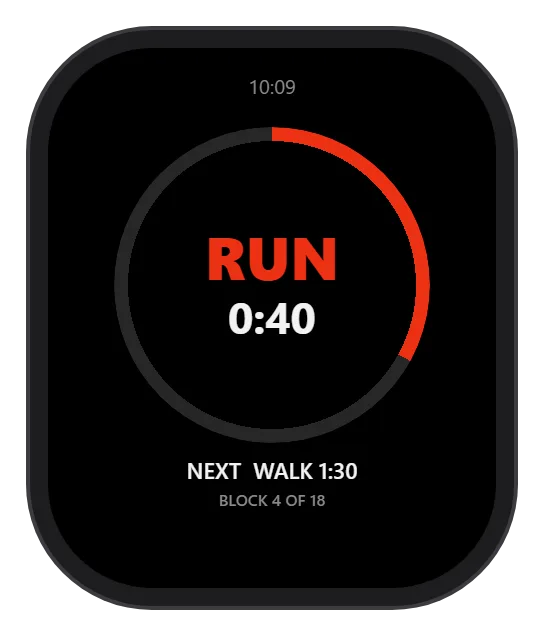
Your watch marks every change of effort. Warm up, run, sprint, cool down — you feel the next block arrive without looking down.
Your watch's own alerts
Pixels
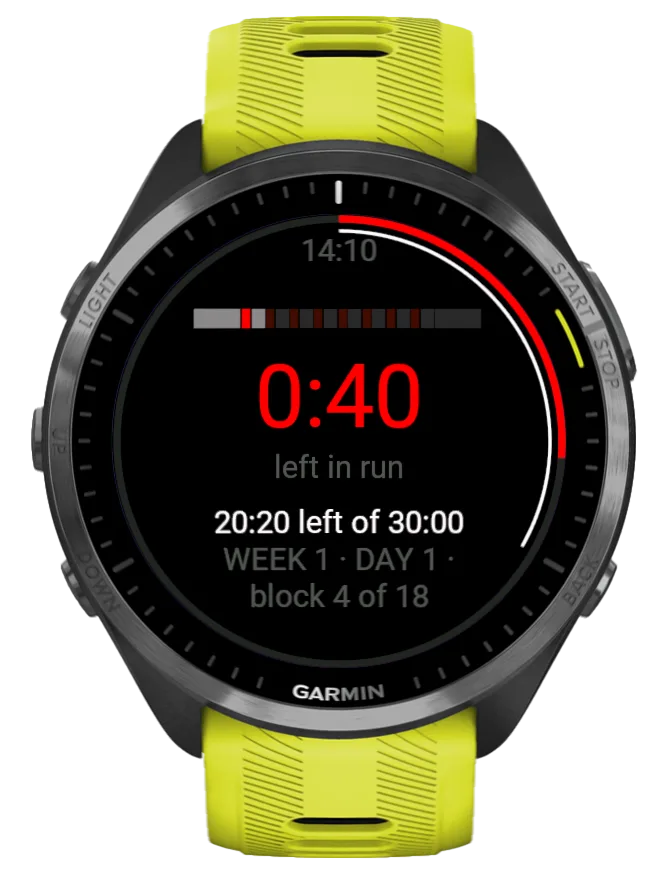
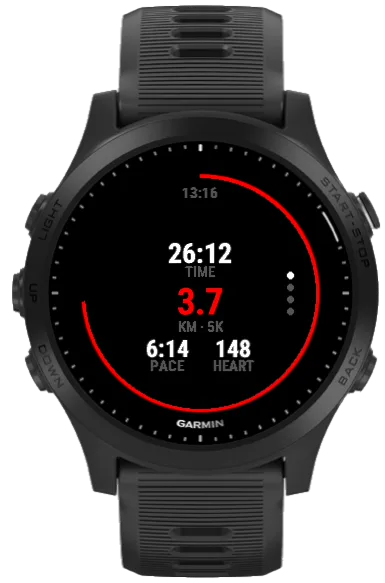
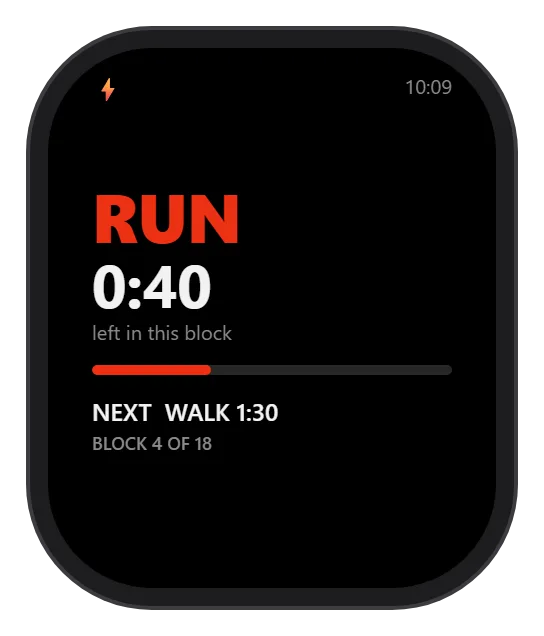
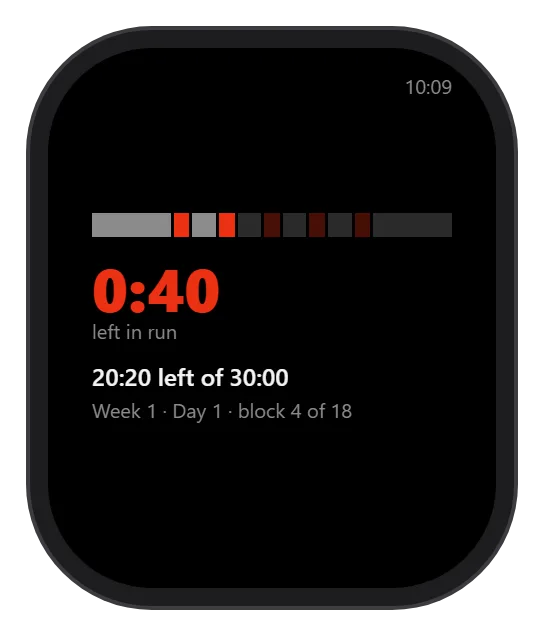
A little pixel picture and a line of story on your wrist, moving as you move. Glance down mid-run and see exactly where you are.
Every watch on this page
On the wrist
Real screens,
every platform.
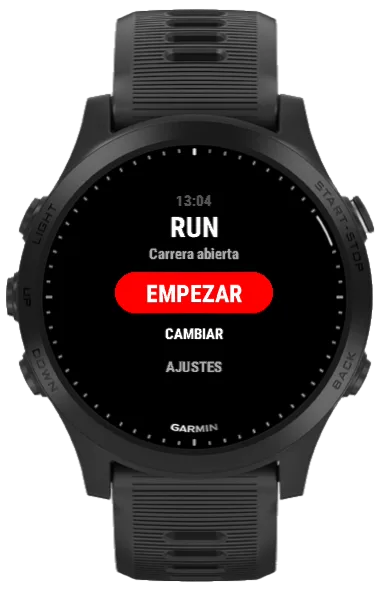
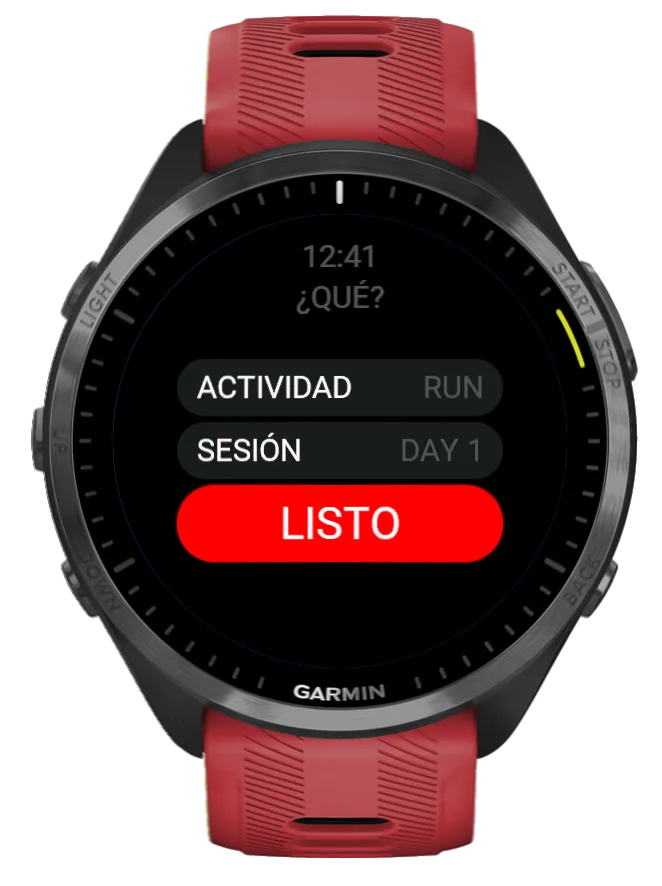
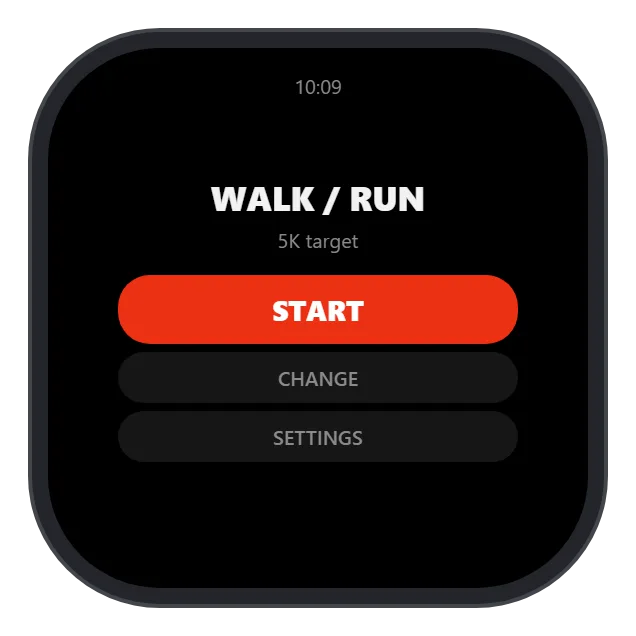
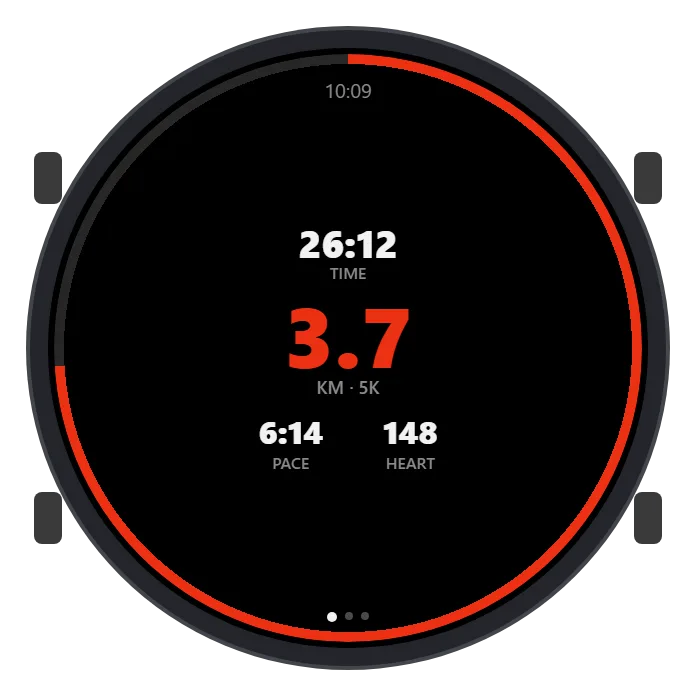
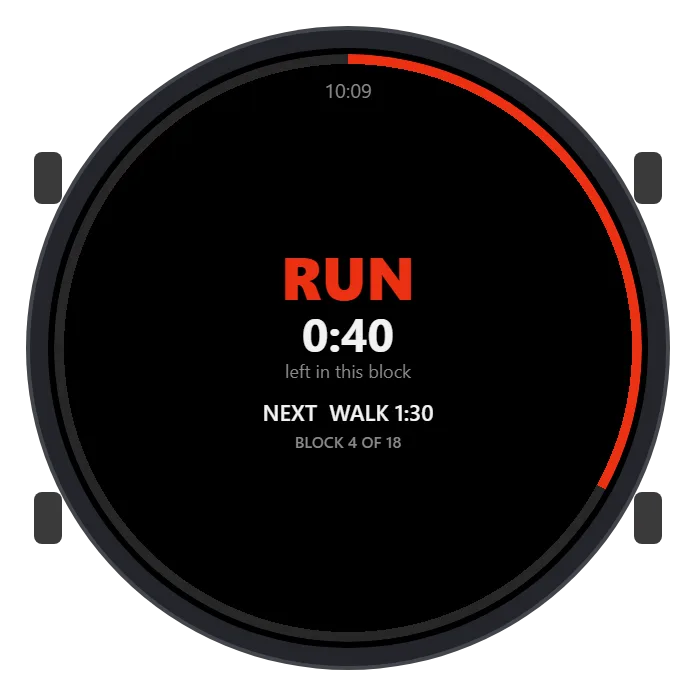
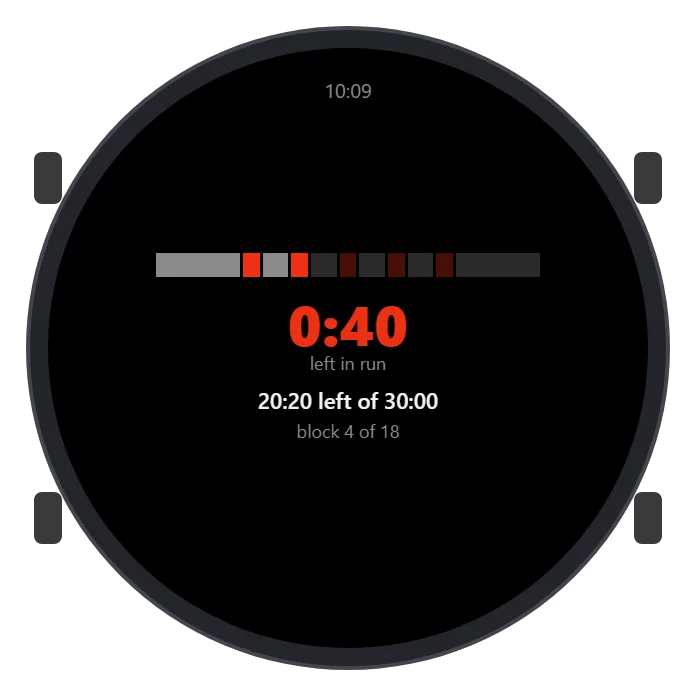
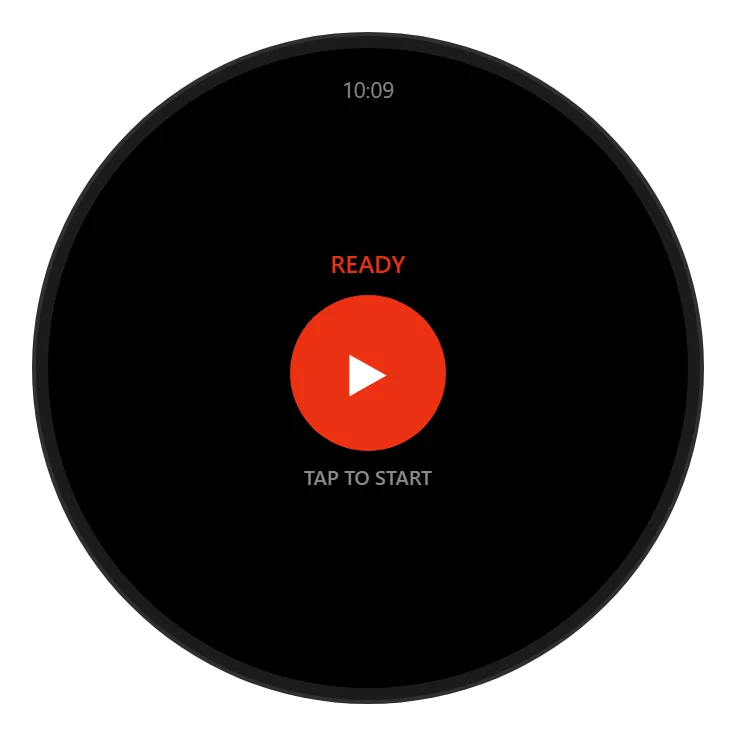
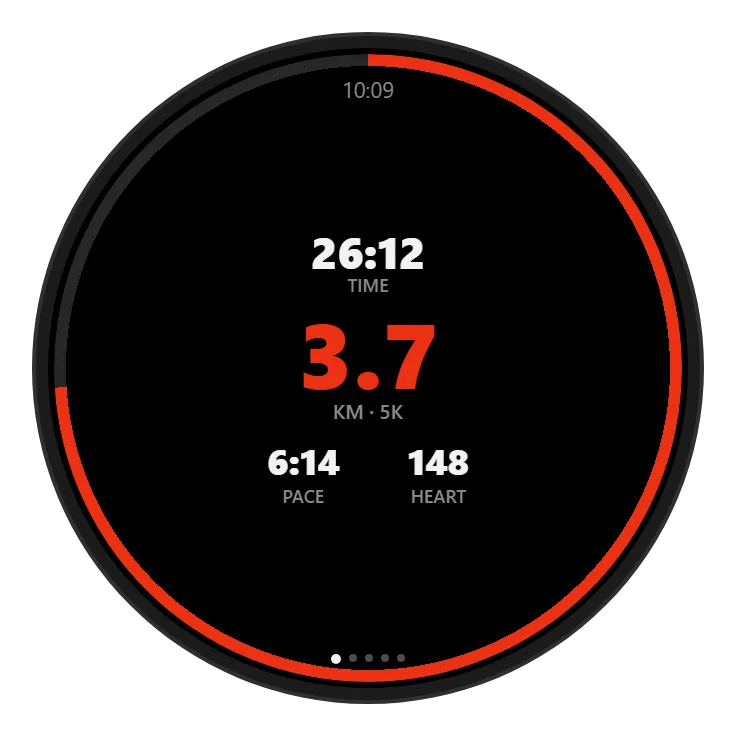
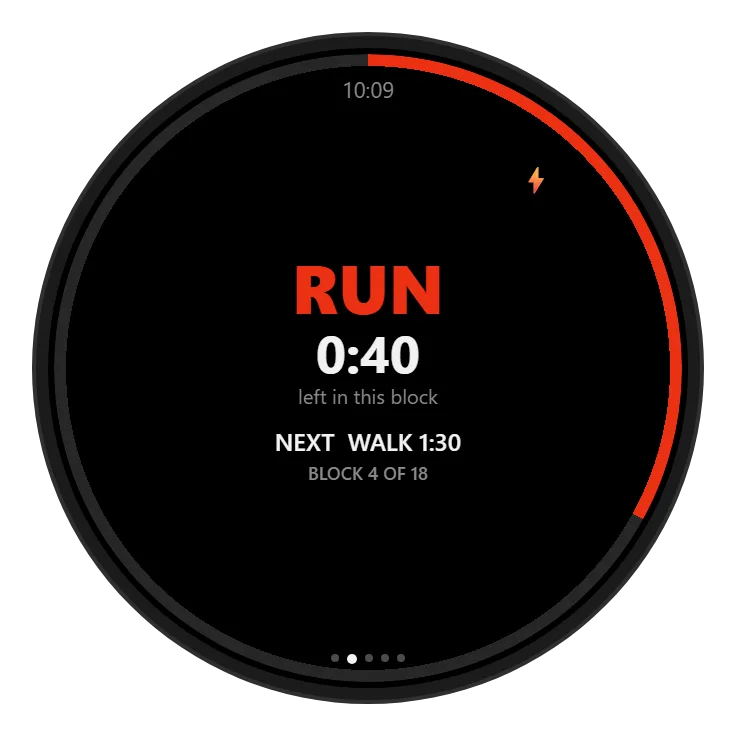
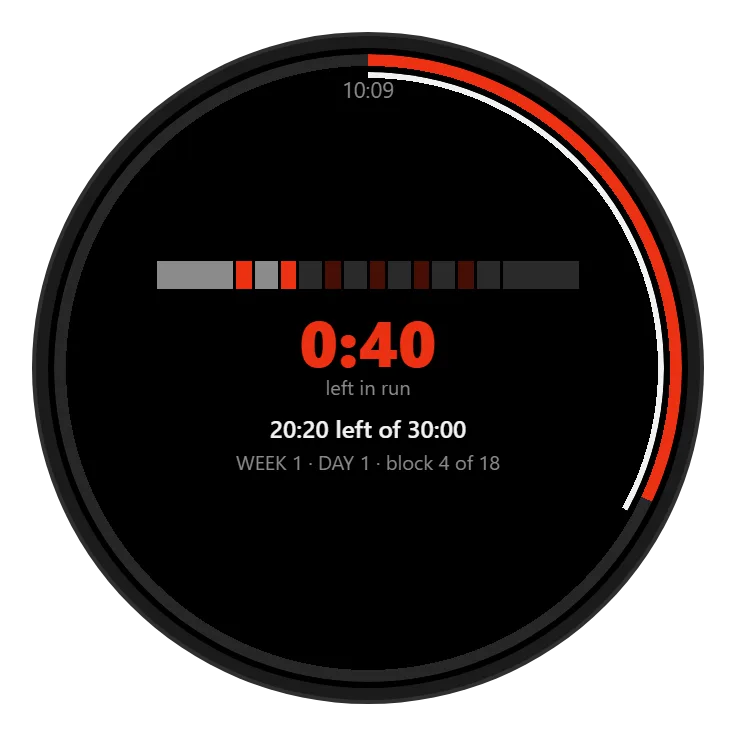
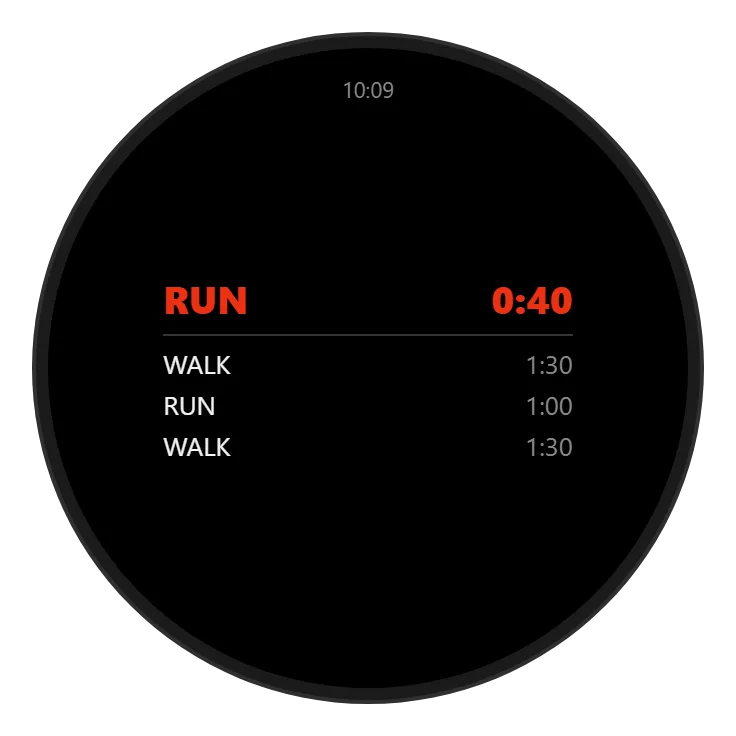
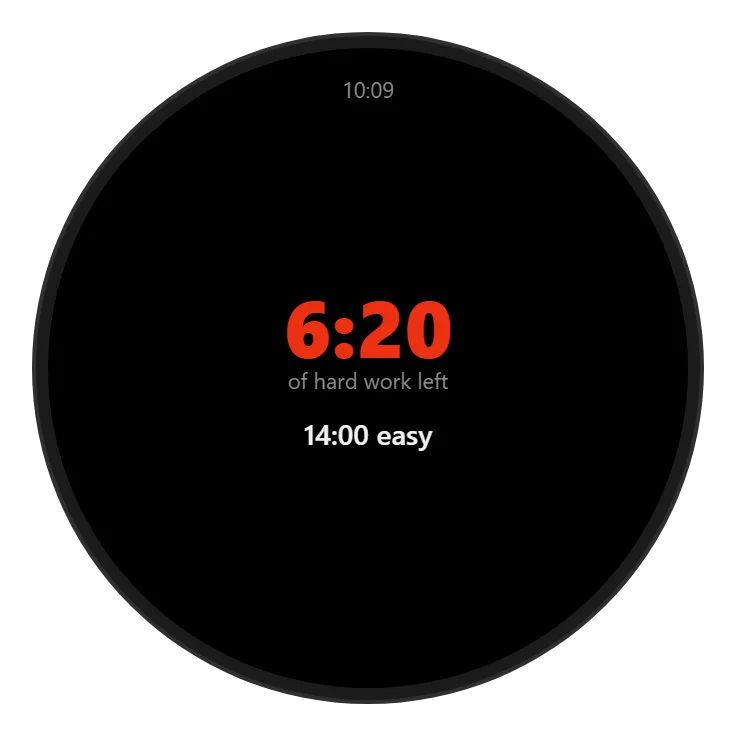
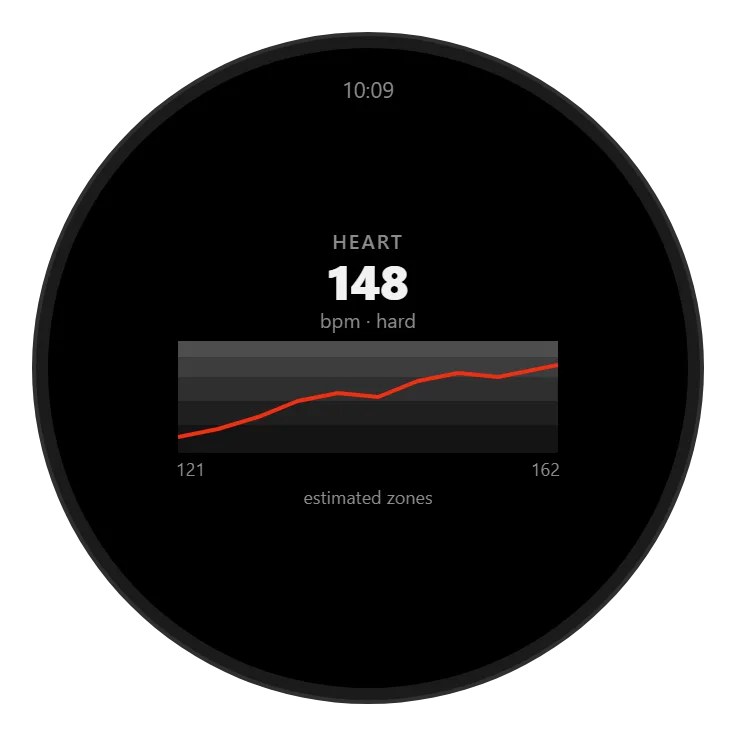
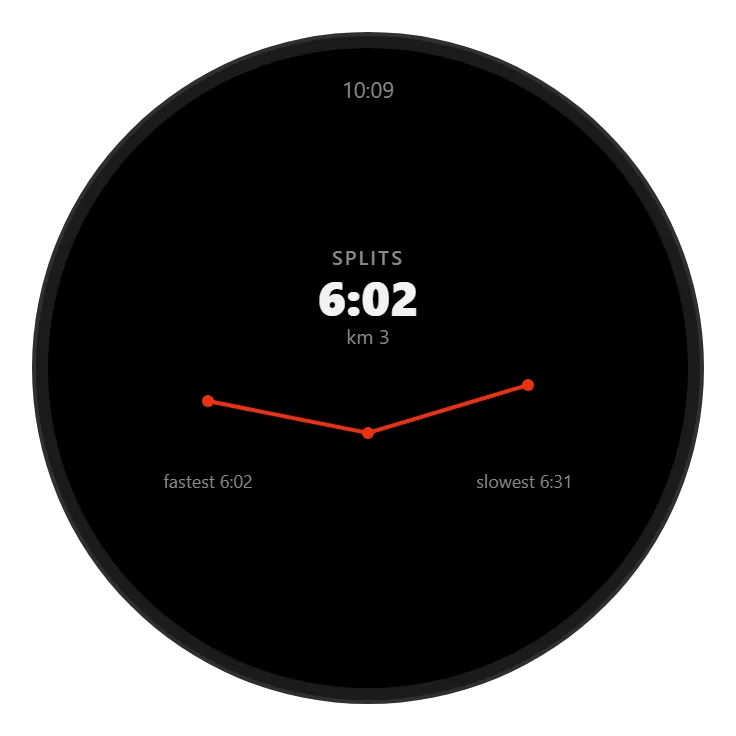
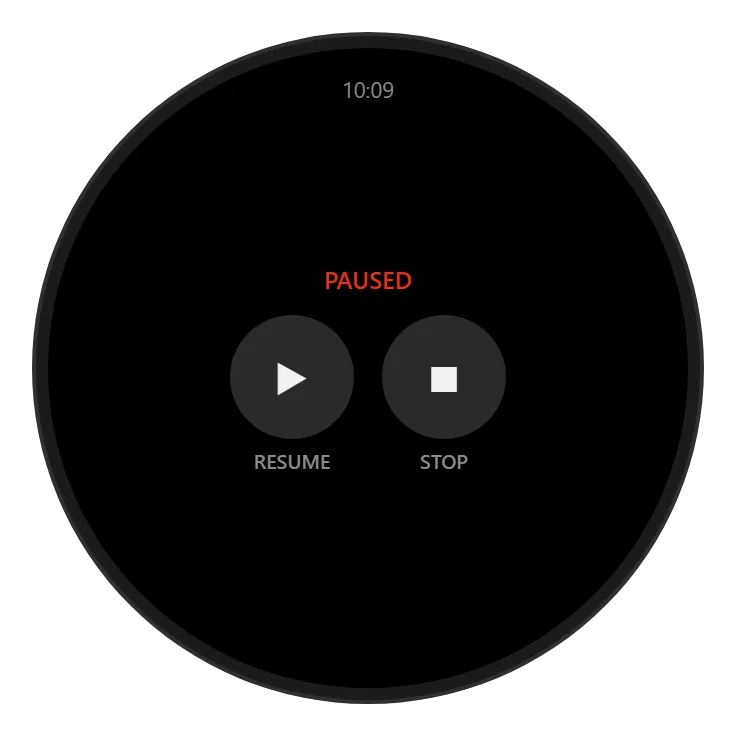
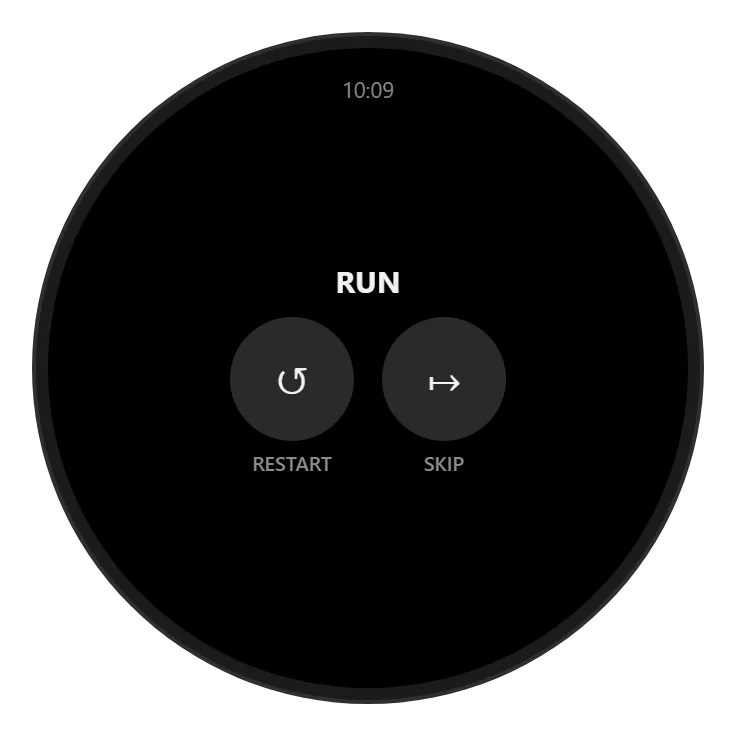
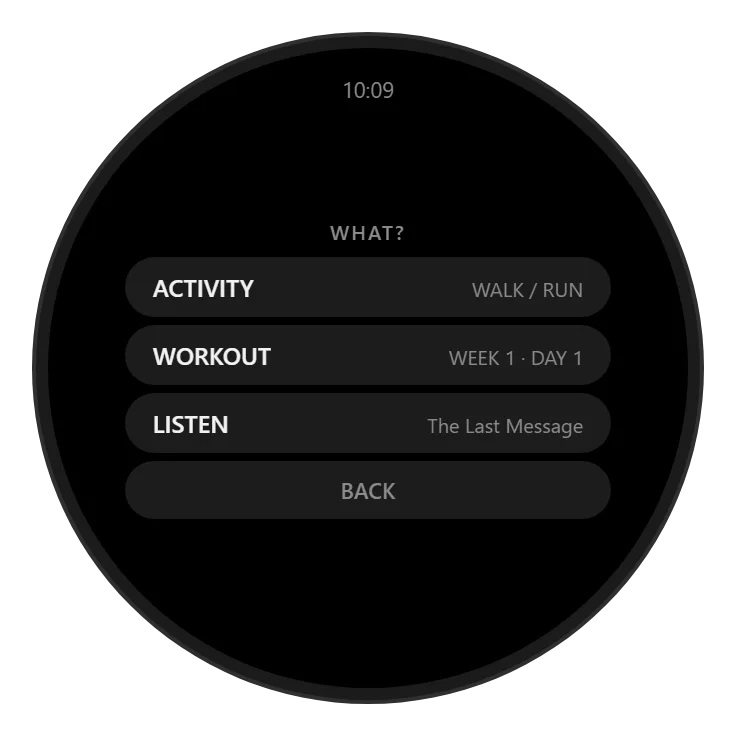
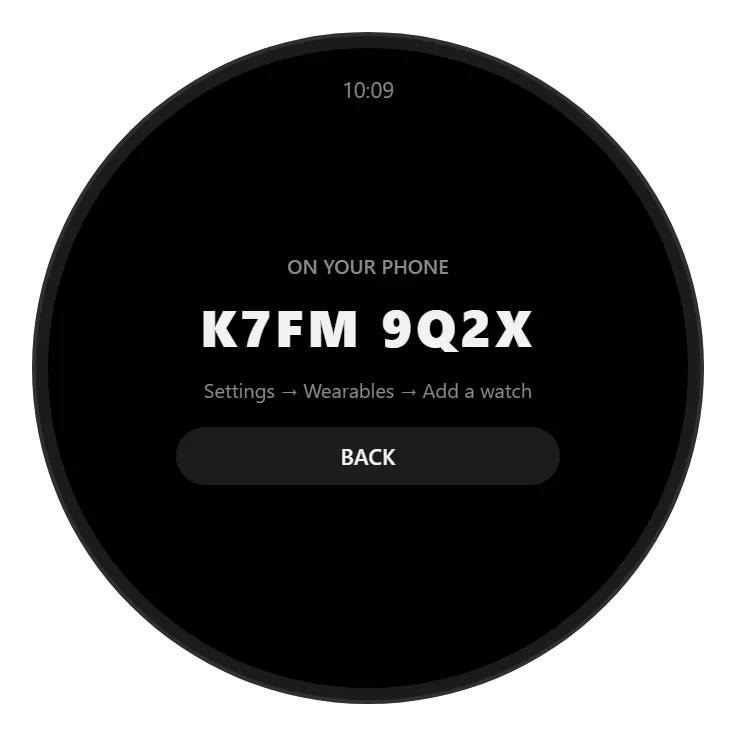
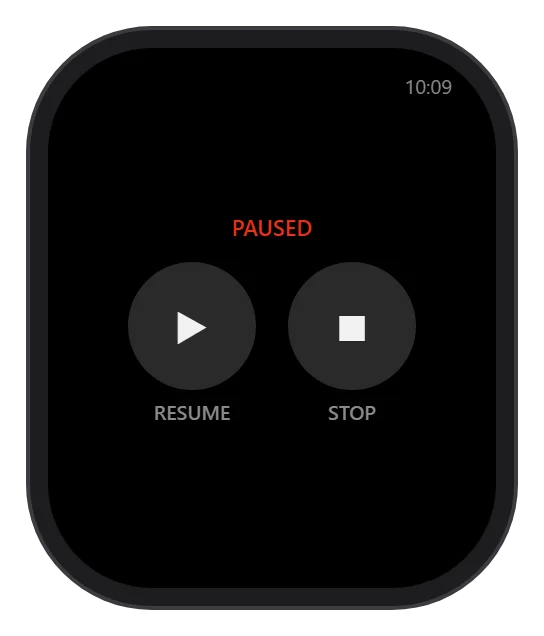
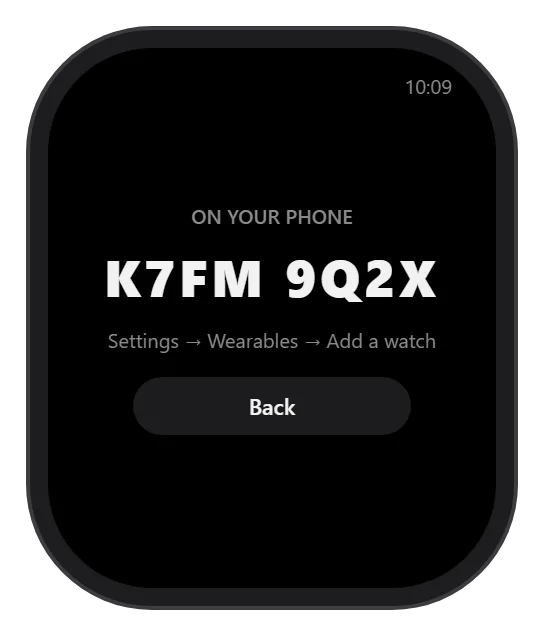
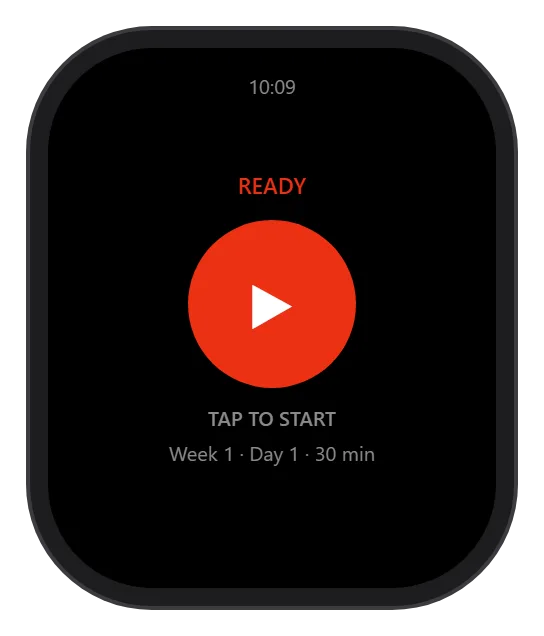
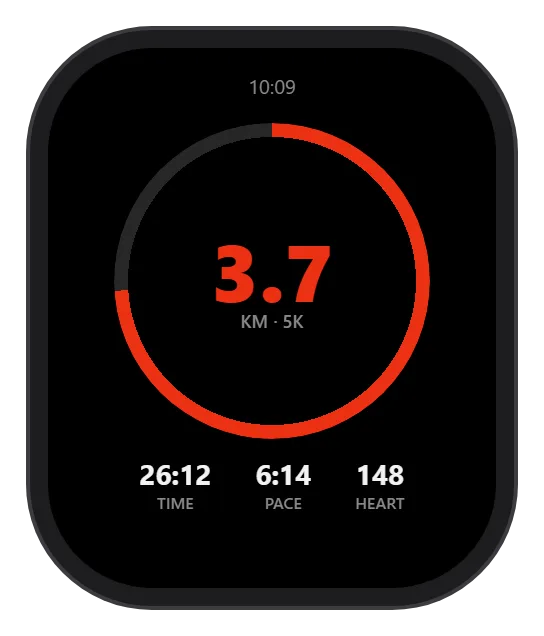
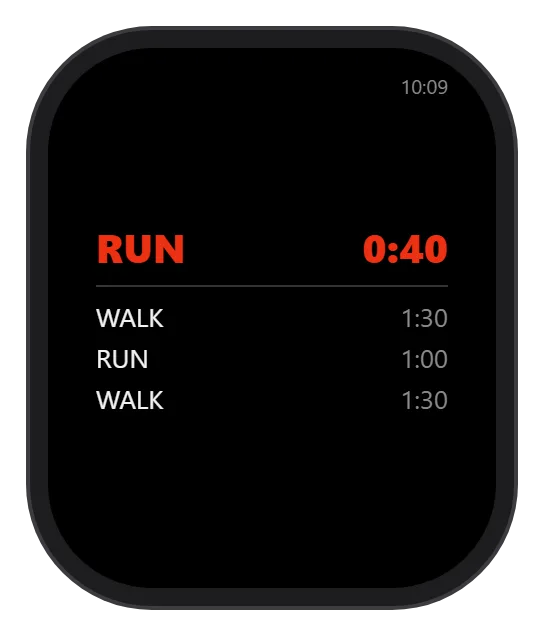
The same run on Garmin, Wear OS and Apple Watch — swipe through what each watch shows.
Garmin
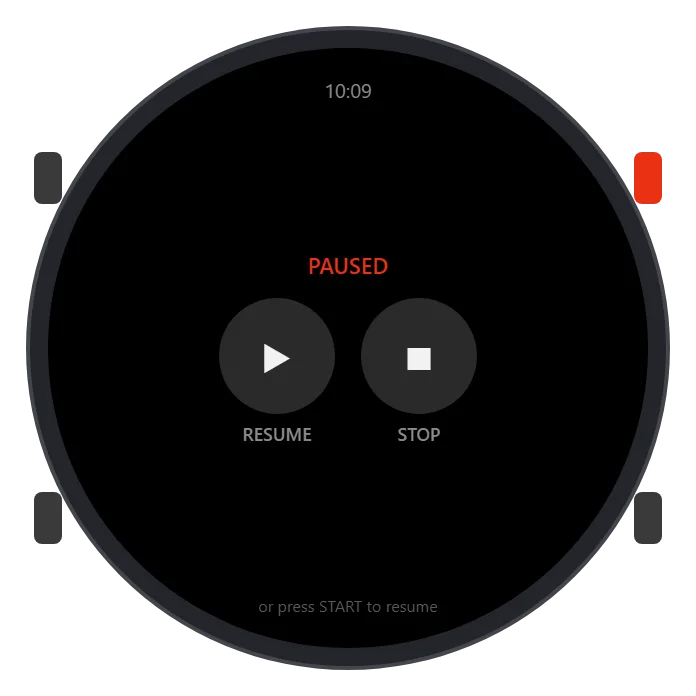
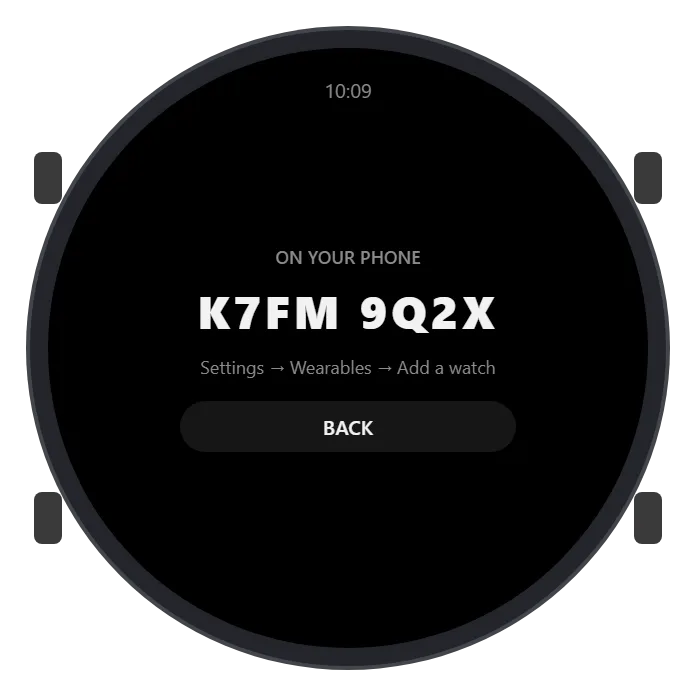
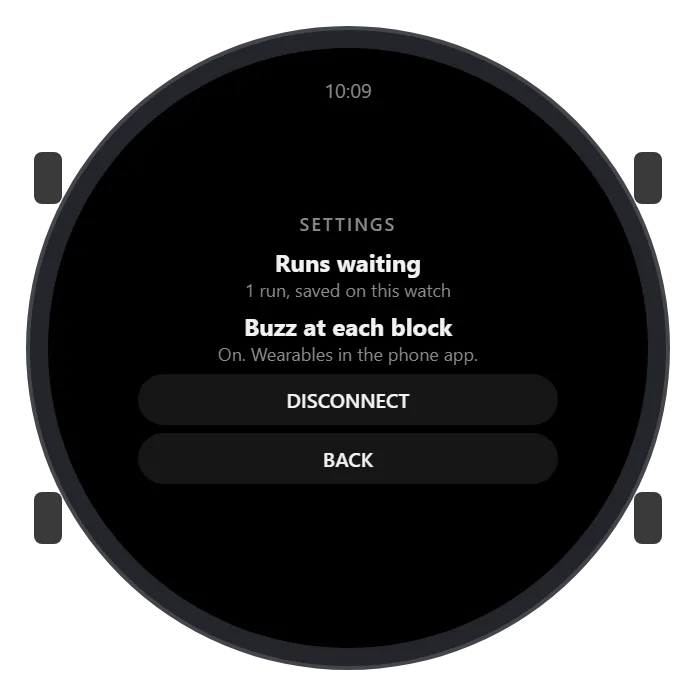
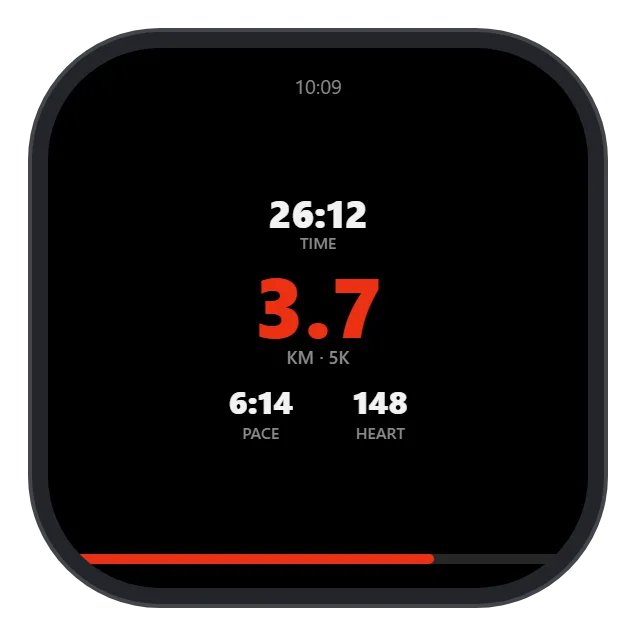
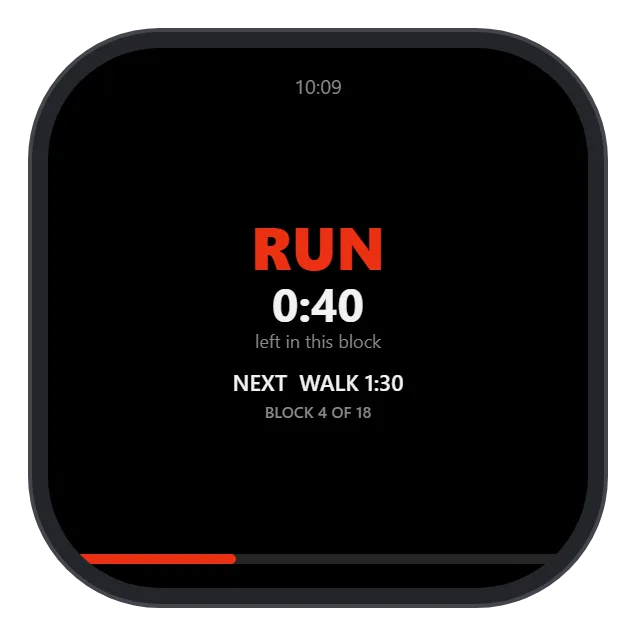
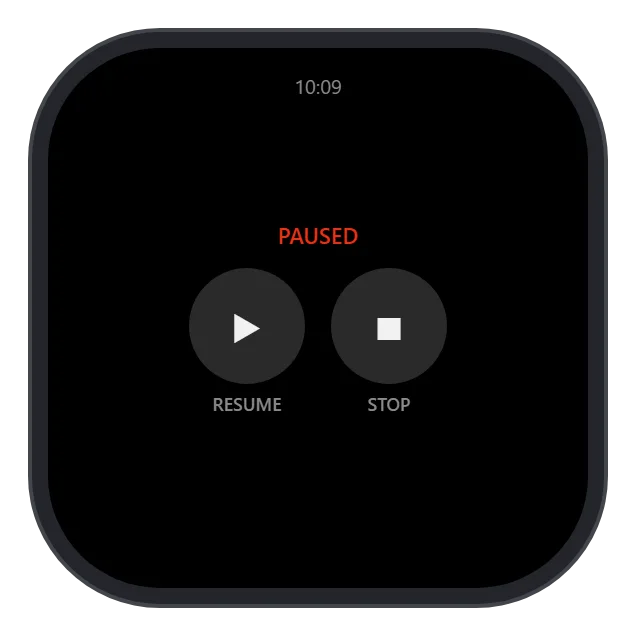
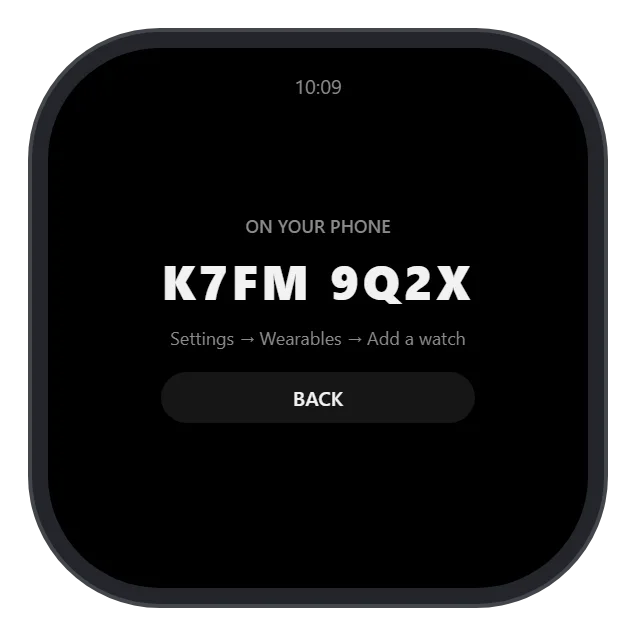
Wear OS
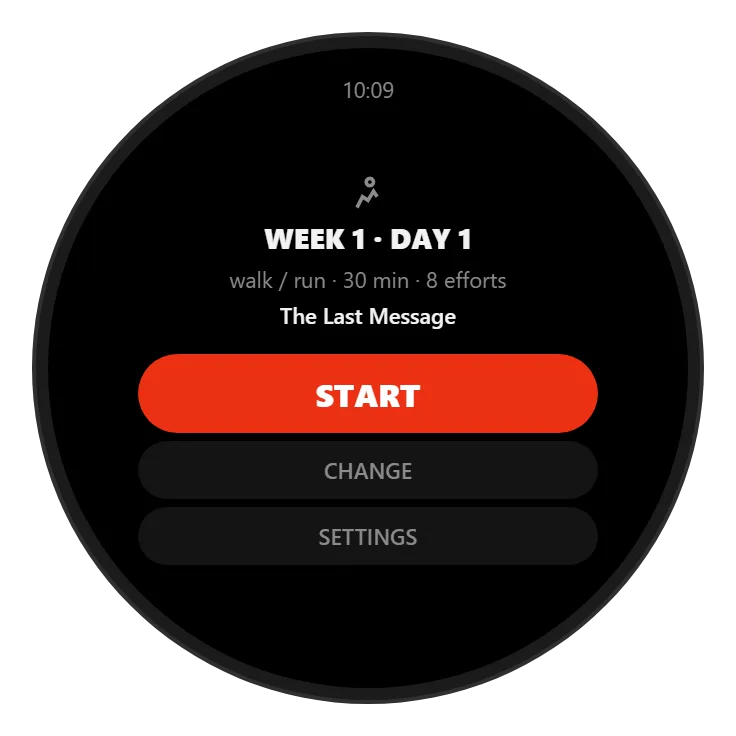
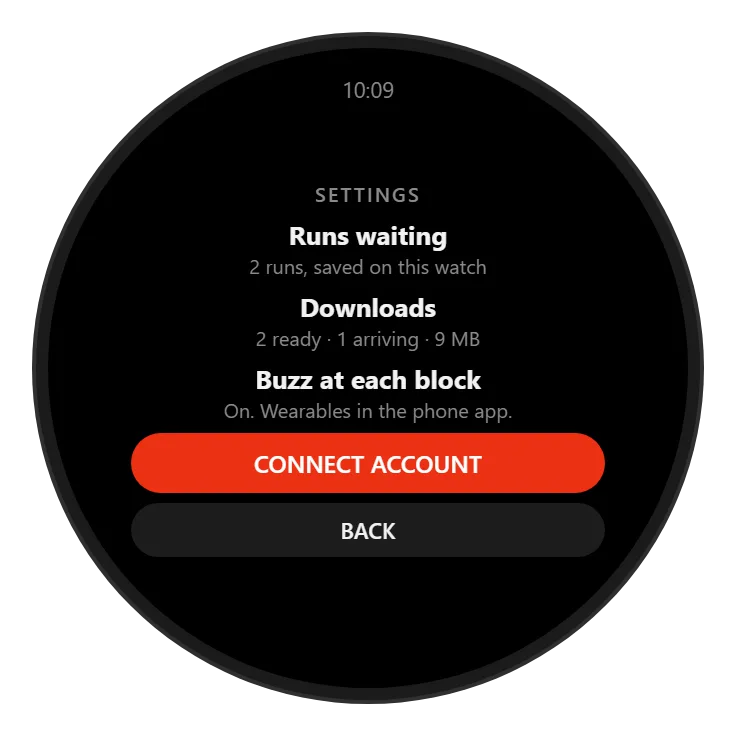
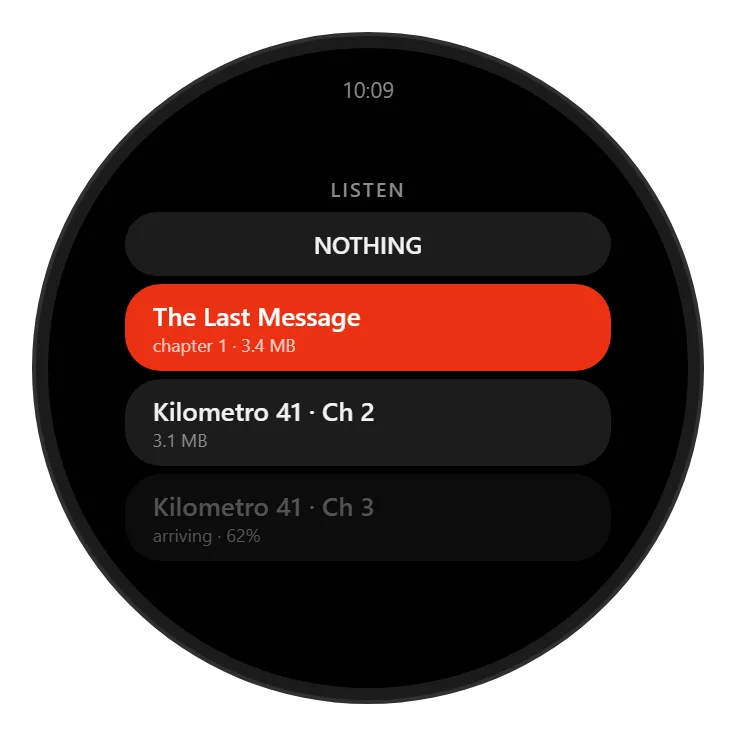
Apple Watch
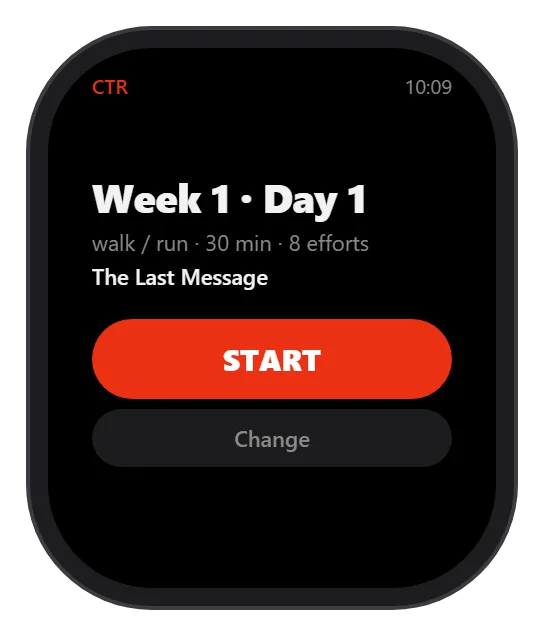
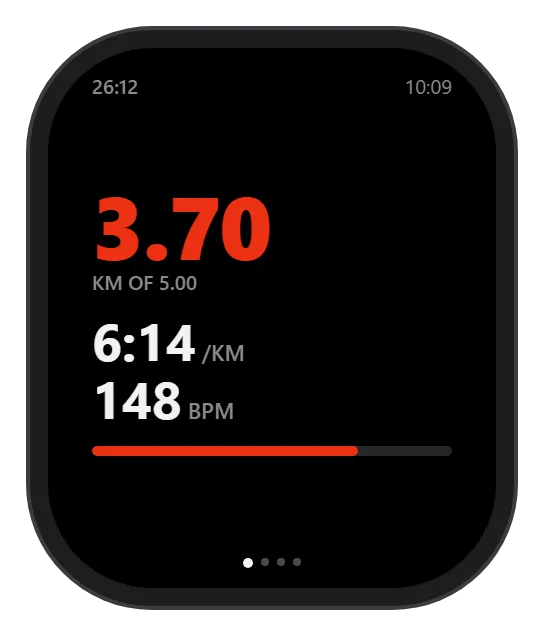
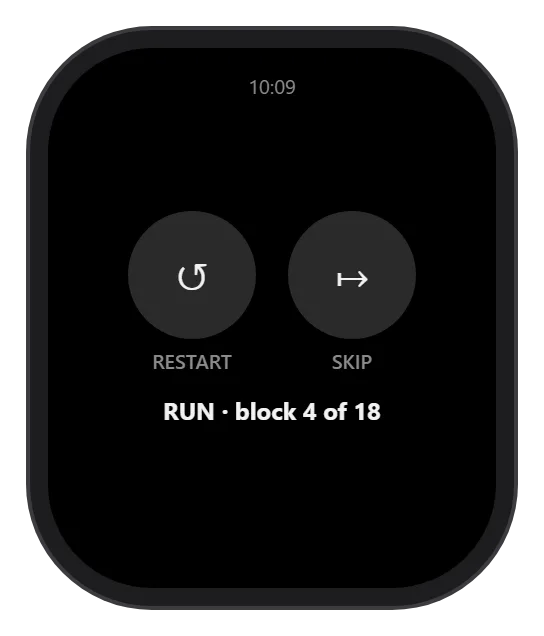
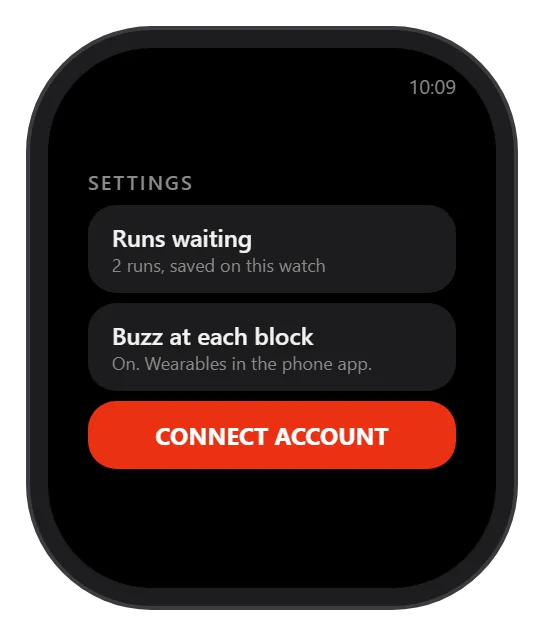
The matrix
Find your watch.
Then go running.
Phone-free means the watch does it on its own. With your phone means the phone in your pocket does the talking — the same run, the same story.
| Watch | Record your run | Training plans | Races | Stories |
|---|---|---|---|---|
| Wear OSPixel Watch · Galaxy Watch · Wear OS 3 and laterSignals | Phone-free | Phone-free | Phone-free | Voice + Pixels |
| Apple WatchApple Watch Series · Ultra · SE | With your phone | With your phone | With your phone | Voice with your phone + Pixels |
| Garmin — ForerunnerForerunner 965 · 955 · 945 · 265 · 255 Music · 245 MusicSignals | Phone-free | Phone-free | With your phone | Voice with your phone + Pixels |
| Garmin — fēnix & epixfēnix 7 · fēnix 7X · fēnix 8 Solar 47 mm · epix (Gen 2)Signals | Phone-free | Phone-free | With your phone | Voice with your phone + Pixels |
| Garmin — Venu & vívoactiveVenu 2 · Venu 2S · Venu 3 · Venu 3S · vívoactive 6Signals | Phone-free | Phone-free | With your phone | Voice with your phone + Pixels |
| Garmin — every other modelInstinct · Forerunner · vívoactive · fēnix and moreSignals | Phone-free | Phone-free | With your phone | Voice with your phone + Pixels |
Swipe the table sideways to see every column.
What the two words mean
- Phone-free
- Leave the phone at home. The watch records the run, holds your plan and plays the story straight from your wrist.
- With your phone
- Phone in your pocket, watch on your wrist. The phone carries the audio, the watch carries the run — and Pixels keeps the story on your wrist either way.
Training on the wrist
Your plan works
with nothing but a wrist.
Every watch here holds your training plan on the watch itself. Walk 3, run 4, four times — the blocks are already there, counted out one at a time, ready on a morning with no signal at all.
A Signal marks every boundary as it arrives, so you run the session by feel and keep your eyes on the road.